
SMS ON DRILLD
Text messages from Drilld
How we ask for your phone number, what we send, and how to stop. Drilld is operated by Drilld Technologies OÜ.
Who sends these messages
How you opt in
Booking texts are a separate choice in your own account. Nobody gets them by default, and Drilld works without them.
- 1
You verify your number
You type your mobile number in your account and confirm it with a one-time code. Verifying a number does not sign you up for booking texts.
- 2
You tick the box
Booking texts start only when you tick "Text me about my bookings". The box is never ticked for you.
- 3
You stay in control
Untick the box at any time, or reply STOP to any message. Changing your number turns booking texts off until you tick the box again.
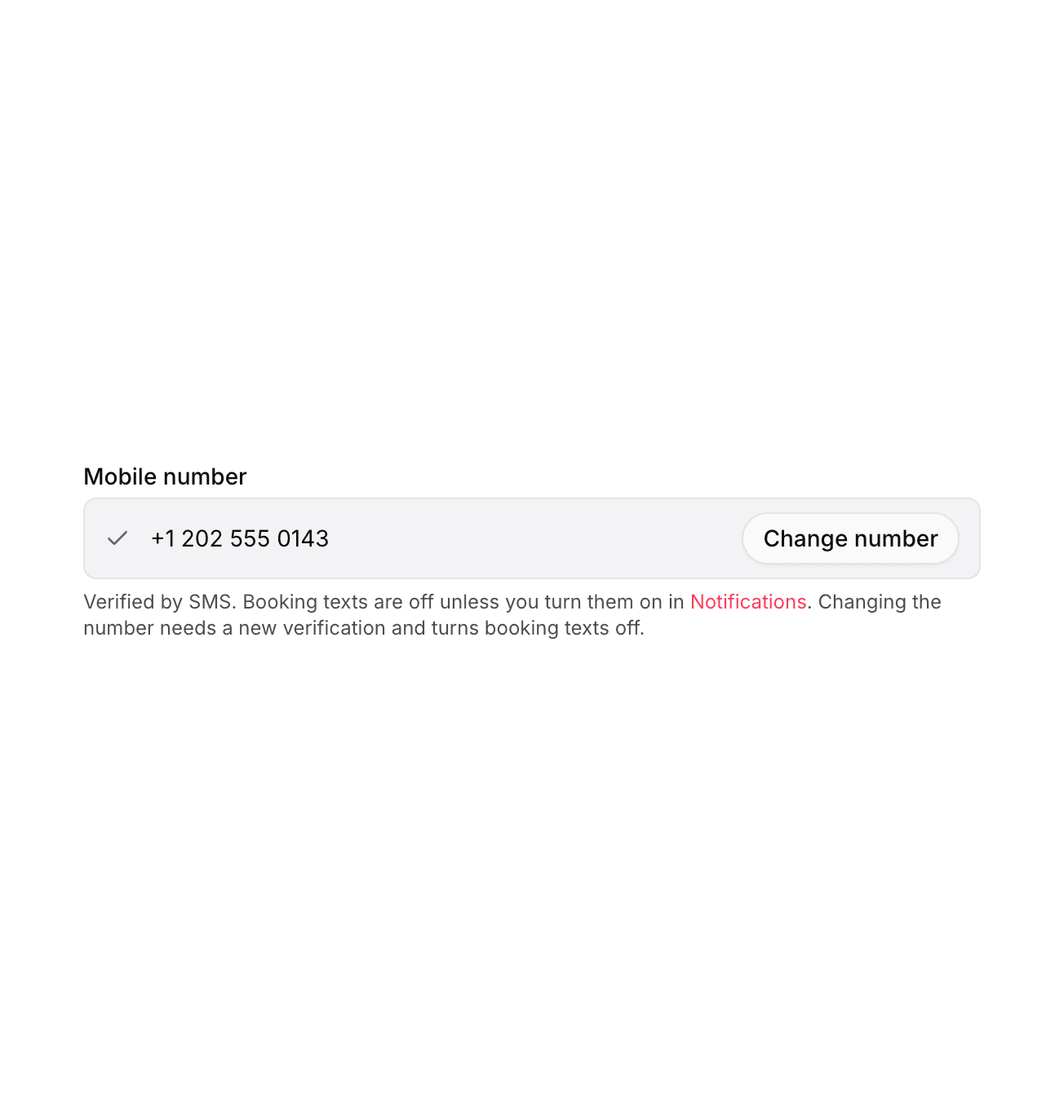
WHERE THE NUMBER IS ENTERED
The user types the number, in their own account
Account settings, Personal details, Mobile number. The user types the number and confirms it with a one-time code. The text under the field says that booking texts are off unless the user turns them on. Leaving the field empty is a valid state for athletes.
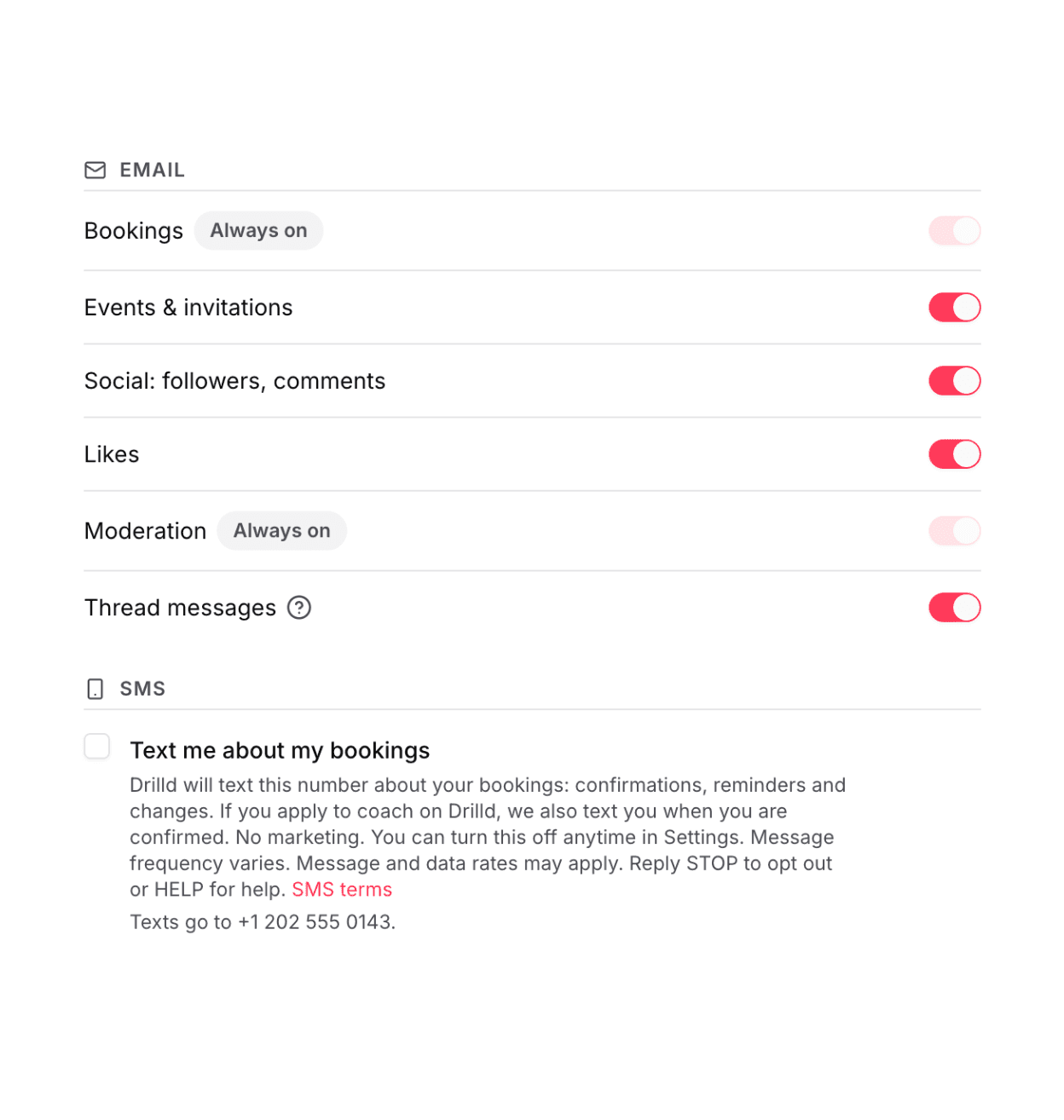
THE OPT-IN
An unticked box, in your own account
Account settings, Notifications, SMS. Booking texts start only when the user ticks "Text me about my bookings". The text next to the box says what we send, that there is no marketing, and how to turn it off. For numbers in the United States and Canada it also says that message frequency varies, that message and data rates may apply, and to reply STOP to opt out or HELP for help. Unticking the box, or replying STOP, ends booking texts.
Questions
Everything on this page is visible without logging in.